
What to Do If Your Account Gets Hacked
Your account's been compromised. Don't panic — here's exactly what you need to do, step by step, to take back control and protect yourself.

Editorial Team
Written by the wondrouswife Editorial Team, focused on practical, honest guidance for safe browsing and online privacy.
First Things First: Assess the Damage
Before you panic or start changing everything, take a breath and figure out what actually happened. Most hacked accounts don't mean your entire digital life's been stolen — it depends on which account, how long the hacker had access, and what they did with it.
Start by checking what's changed. Did someone send emails from your account? Post on your social media? Access your banking app? The answers tell you how urgently you need to act. If it's your email account, that's serious because email is the key to everything else — it's usually how you reset other passwords. If it's social media, you've got a bit more breathing room.
Check these immediately:
- Login activity (most apps show "last login" or "active sessions")
- Sent mail or messages you didn't write
- Changed account recovery info (backup email, phone number)
- Linked apps or devices (if the platform shows them)
Change Your Password — The Right Way

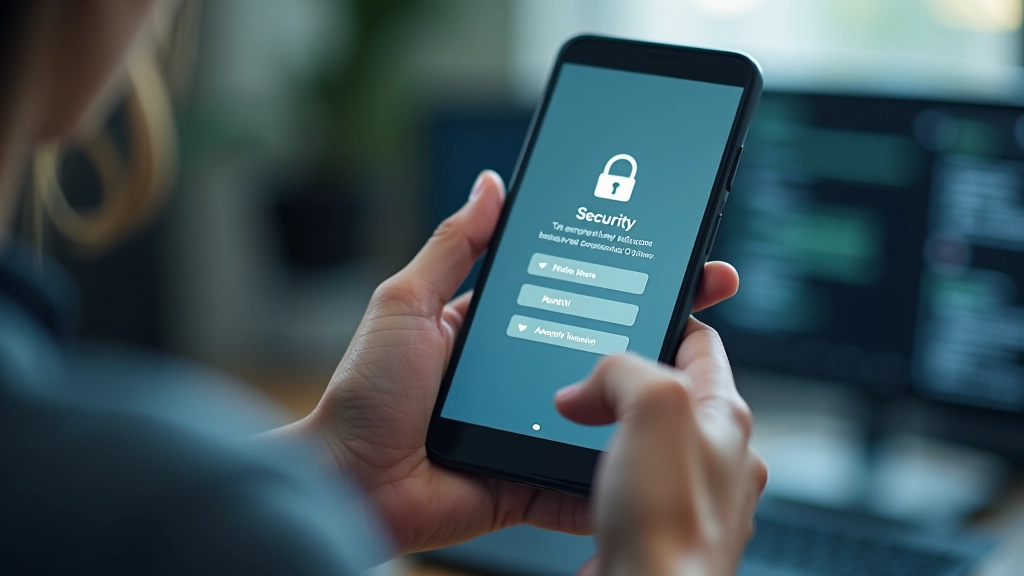
This is obvious, but there's a right way to do it. You can't just change your password to something equally weak. The hacker got in once — they'll get in again if you don't actually make it harder.
Create something genuinely new. Not a variation of your old password (hacker probably knows that pattern). Not a word from your life that someone could guess. Not your pet's name with numbers. We're talking 12+ characters, mix of uppercase, lowercase, numbers, and symbols. Something like Tr0pical#Sunset$42 instead of Password123 .
Pro tip: Use a password manager to generate and store your new password. It'll be random, strong, and you won't have to remember it. Most password managers (like Bitwarden, 1Password, or even built-in options in your browser) can create passwords that are actually secure.
After you've changed it, make sure you're logging out of any sessions that aren't yours. Most email and social platforms let you "sign out everywhere" — do that first, then log back in with your new password.
Secure Your Recovery Options
Here's what most people miss: if a hacker got into your email, they might've already changed your recovery phone number or backup email address. This locks you out of regaining access if they change the password again. It's a hostile takeover technique, and you need to undo it immediately.
Go into your account settings and check everything under "Security" or "Account Recovery." You're looking for:
- Recovery email address — is it yours? Change it if not.
- Recovery phone number — is it a number you recognize?
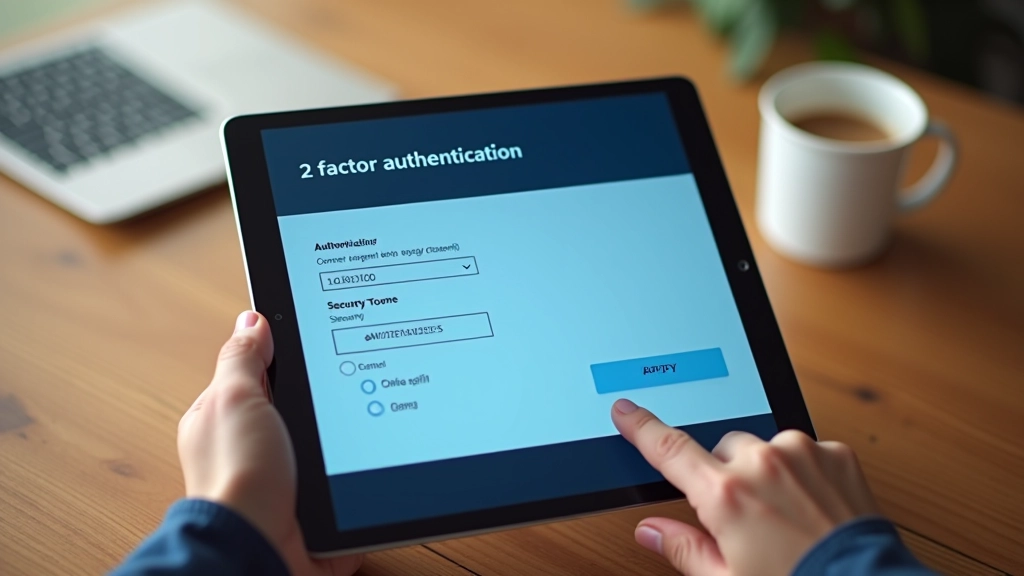
- Two-factor authentication settings — has it been disabled?
- Backup codes — have they been viewed or regenerated?
If anything looks wrong, fix it immediately. Update phone numbers, re-add your own email as the backup, and turn two-factor authentication back on. This takes maybe 10 minutes and it's the difference between being hacked once and being hacked repeatedly.
Keep Up With Changes
Digital tools and platforms change over time — check the official website or app for the latest details on where security settings are located, and don't rush when updating your account security.
Check Your Other Accounts for Damage
If your email got hacked, assume every account connected to it is at risk. Why? Because hackers can use the "forgot password" feature to reset access to your banking, social media, shopping accounts — anything that's linked to that email address.
Start with the important ones: email, banking, shopping sites, social media, work accounts. Log in and check for suspicious activity. Look for linked devices, changed payment methods, or unfamiliar logins.
You don't need to change every password right now, but do change them for anything financial or sensitive. For lower-stakes accounts (like a news site you read), you can do it gradually over the next week.
Priority order for password changes:
- Email (highest priority — controls everything else)
- Banking and financial accounts
- Shopping sites with saved payment methods
- Social media and messaging apps
- Everything else (do it when you get time)
Consider Monitoring and Next Steps
Once you've secured your accounts, you're not completely out of the woods. Hackers sometimes sell stolen data or keep access to accounts for months before using them. It's worth monitoring for signs of trouble.
Set a phone reminder to check your accounts weekly for the next month. Look for unexpected login attempts, password reset requests, or unfamiliar activity. Most email providers and banks will send you notifications about suspicious logins — actually read those notifications instead of dismissing them.
If you used the same password anywhere else, you've got work to do. We know — it's tedious. But that's exactly how hacks cascade. One breach, same password on 5 sites, and suddenly you've got 5 compromised accounts instead of 1.
Worth knowing: Some people use breach-checking services (like Have I Been Pwned) to see if their email appears in known data breaches. It's informational, but remember that just because you're in a database doesn't mean someone's actively using your information.
Recovery Takes Time, But You've Got This
Getting hacked is stressful and frustrating. It feels like a violation of your privacy — because it is. But the good news is that most hacks are fixable. Change your password, secure your recovery options, check your other accounts, and keep an eye out for suspicious activity. You're taking back control.
The real takeaway for moving forward? Use strong, unique passwords for every account (yes, that's why password managers exist). Enable two-factor authentication where you can. And when you see those suspicious login notifications, don't ignore them — read them, understand them, and act on them immediately.
You've got the steps. Now it's just about following through. It's not fun, but it beats being hacked again.
Want to Learn More About Staying Safe Online?
Explore our full guide on building strong passwords and keeping your accounts secure.
Browse All Safety Guides