
Spotting Phishing Emails Before They Trick You
Simple warning signs to recognize fake emails and protect your accounts from fraudsters.
By
Wondrouswife Editorial Team
Editorial Team
Written by the wondrouswife Editorial Team, focused on practical, honest guidance for safe browsing and online privacy.
What is Phishing, Really?
Phishing isn't complicated. It's simply someone pretending to be a trusted company or person to trick you into giving up your passwords, credit card numbers, or personal information. They'll send an email that looks legitimate — sometimes nearly identical to the real thing — and hope you'll click a link or download an attachment without thinking twice.
The bad news: phishing attacks happen constantly. The good news: they're actually pretty easy to spot once you know what to look for. Most phishing emails share obvious red flags that real companies would never send. You don't need to be tech-savvy to catch them. You just need to know what warning signs to watch for.

Red Flags That Give Phishing Away
Legitimate companies have standards. They don't send emails with spelling mistakes. They don't ask for passwords via email. They don't use generic greetings like "Dear Valued Customer." When you see these things, your alarm bells should go off immediately.
The Most Common Red Flags
- Urgent language: "Your account will be closed!" or "Confirm your identity immediately!" Real companies give you time to respond.
- Generic greetings: "Dear User" instead of your actual name. Banks and services you use know who you are.
- Suspicious links: Hover over any link before clicking. If it doesn't match the company name or looks weird, don't touch it.
- Strange email addresses: The "From" address doesn't match the company. For example, receiving "PayPal" email from random@fakebank.com.
- Requests for sensitive info: No real company asks for passwords, PIN codes, or credit card numbers by email. Ever.
- Poor design and formatting: Broken images, misaligned text, inconsistent branding. Professional companies don't send messy emails.
These warning signs aren't subtle. Once you know them, you'll spot phishing attempts from a mile away. The problem is most people don't stop to think before clicking. That's exactly what phishers count on.
The URL Trick — Look Carefully at Links
One of the sneakiest phishing tactics is using URLs that look almost correct. A phisher might send you a link that says "paypa1.com" (using the number 1 instead of the letter l) or "amaz0n.com" (zero instead of the letter o). On a phone, you might not notice the difference. But on your computer, if you hover your cursor over the link before clicking, you'll see the real URL in the bottom left corner of your screen.
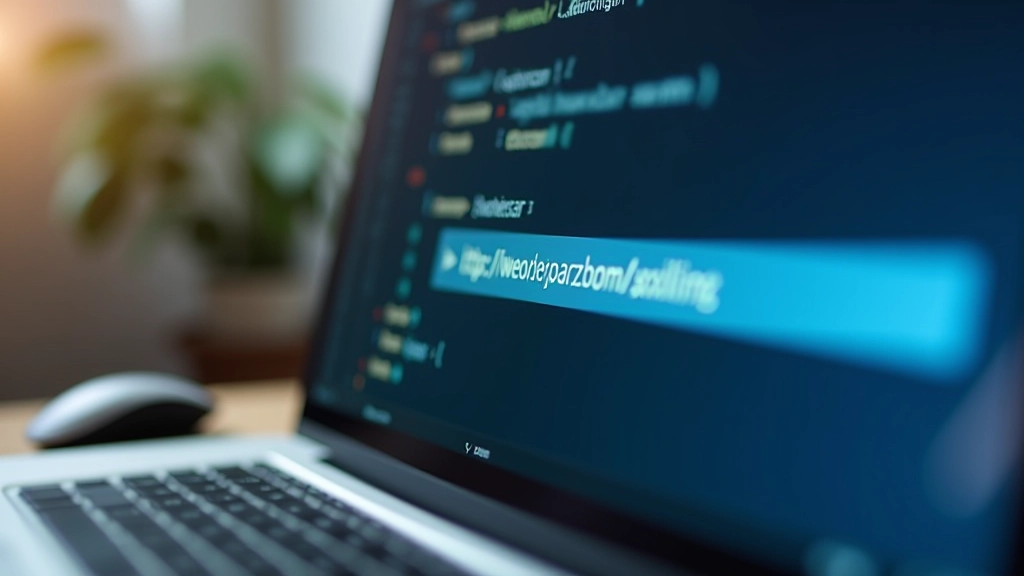
This simple habit — checking links before you click — stops most phishing attacks dead. It takes two seconds. That's genuinely all it takes. You don't need special software or technical knowledge. Just move your mouse over the link and look at where it actually goes.
Important note: Digital tools and platforms change over time. Check the official website or app directly for the latest details, and take your time getting comfortable with any new security features or changes to how your accounts work.
What to Do If You Spot a Phishing Email
If an email looks suspicious, here's what you do. Don't click anything. Don't download anything. Just report it and delete it. Most email providers have a "Report Spam" or "Report Phishing" button. Use it. It helps protect other people too.
Don't Click Anything
Avoid all links and attachments. Even opening an attachment can trigger malware download.
Report to Your Email Provider
Use the built-in report button in Gmail, Outlook, or whatever service you use.
Contact the Company Directly
If it claims to be from your bank, call them using the number on your card. Don't use any contact info from the email.
Delete the Email
After reporting, delete it permanently. This removes temptation to click later.
If you're worried you already clicked a suspicious link or gave out information, change your passwords immediately. Start with the most important accounts — email, banking, and any service with payment information. We're not trying to scare you. Most phishing attempts don't lead anywhere. But quick action protects you if something does happen.

Building Your Phishing Radar
The best defense against phishing isn't technology. It's skepticism. Just a little bit of healthy doubt. Before you click anything or share information, ask yourself: Does this email feel right? Would my bank really contact me this way? Why are they asking for my password?
Most phishing emails are obvious once you slow down. They're rushed. They're pushy. They use pressure tactics because they only work if you act without thinking. The moment you take a breath and look carefully, the deception falls apart.
You've got this. Phishing isn't sophisticated. It's just people counting on you being distracted. Stay aware, check those links, and you'll stay safe.
Keep Learning About Online Safety
Phishing is just one threat. Explore our complete guides to staying safe online, from passwords to public WiFi to account recovery.
Explore All Resources